 DASAPT
 Xinren Chen
DASAPT opens Cameca APT reconstructions. Export that file from AP Suite as follows.
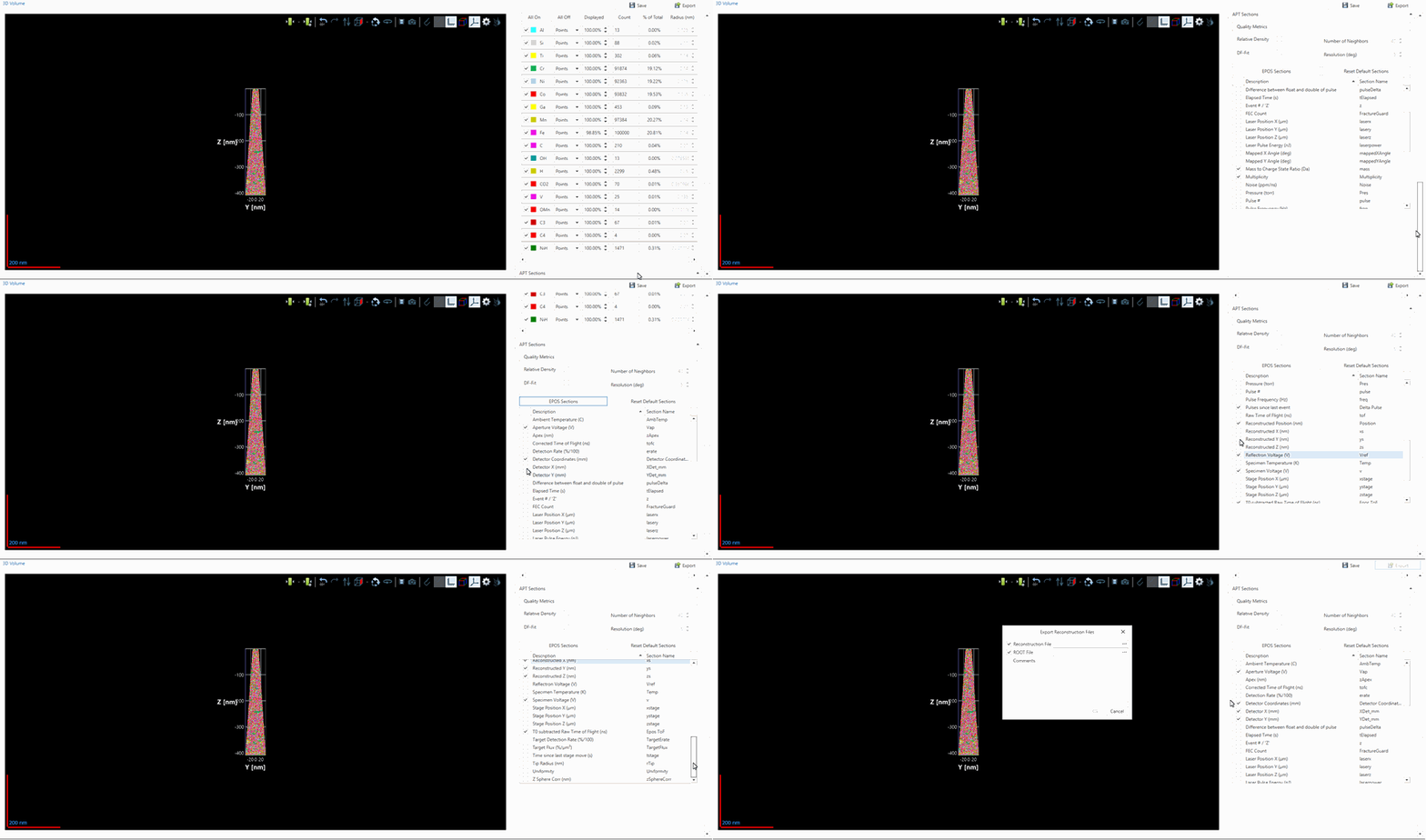
- Open the reconstruction so the 3D volume is on screen.
- On the right, scroll down to APT Sections and EPOS Sections. Check the fields you want in the file. DASAPT needs reconstructed position (X, Y and Z) and mass-to-charge ratio. Detector coordinates and voltage are useful later for the detector map and the voltage curve.
- Click Export, next to Save.
- In Export Reconstruction Files, keep Reconstruction File checked. That file is the APT. Use the browse button to choose the folder and file name, then confirm.
Load the .apt in DASAPT together with the matching RRNG ranges.
0 comments
Sign in to comment.